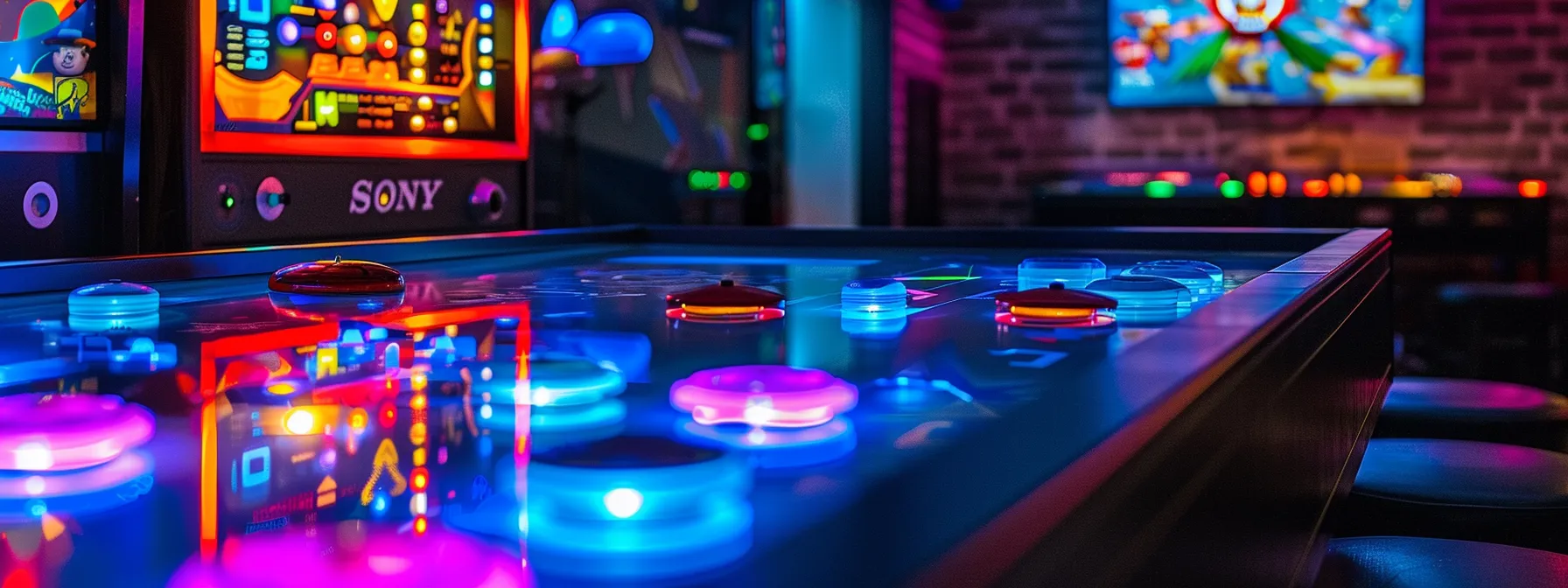
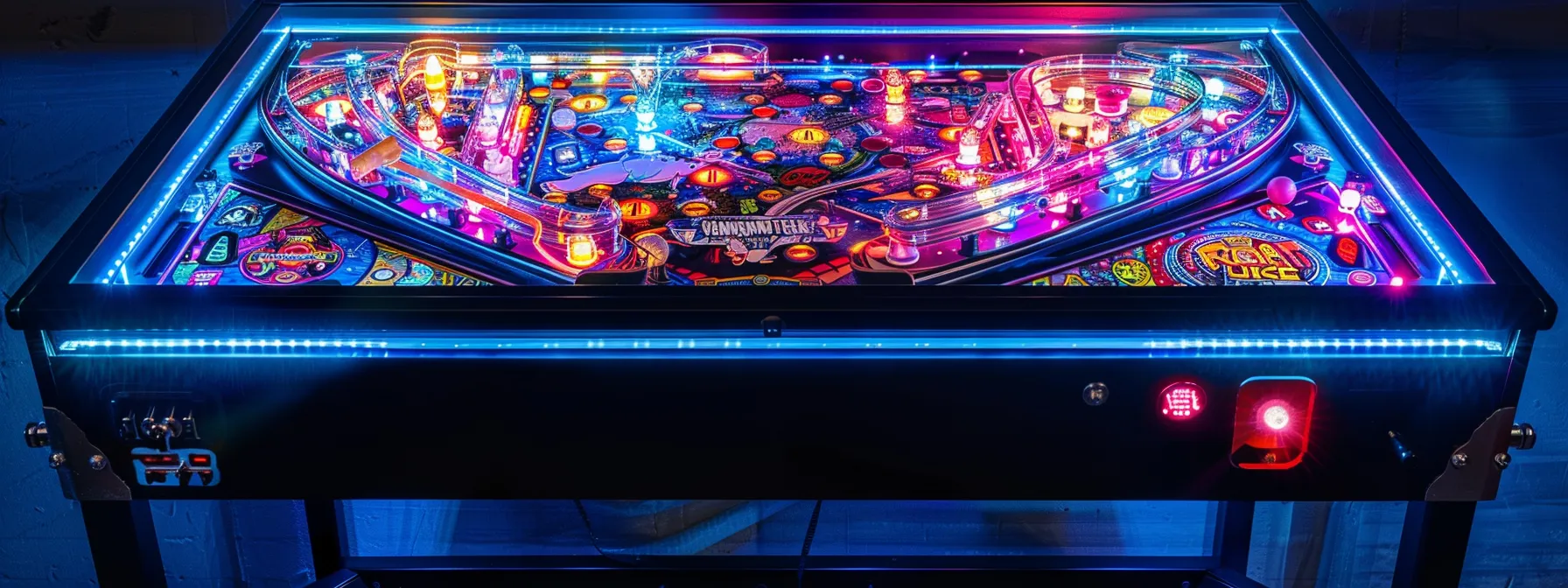
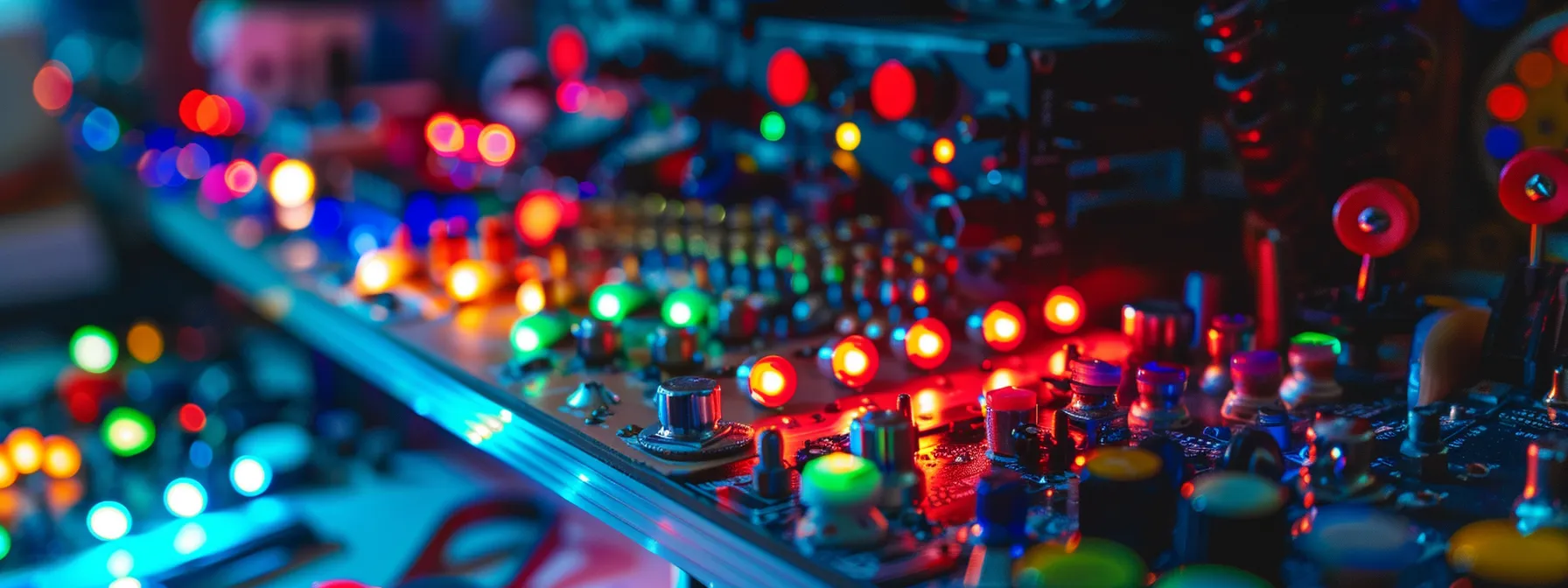
Are you looking to elevate your arcade game experience with a visual and tactile upgrade? This article will guide you through selecting and installing custom RGB LED buttons for your 4-player arcade pedestal, transforming your joystick maneuvers into a vibrant light show. We’ll delve into the nuances of choosing the right buttons for your setup, the steps to integrate them seamlessly with your Raspberry Pi system, and how to maintain their performance for long-lasting enjoyment. By the end of this read, you’ll have the knowledge to not only enhance the aesthetics of your game pedestals but also to troubleshoot common issues, ensuring your gaming sessions remain brilliantly uninterrupted.
- RGB LED buttons enhance the arcade experience with visual feedback and customizable lighting
- Proper installation and compatibility checks are crucial for optimal button performance
- Regular maintenance ensures the longevity and responsiveness of arcade buttons
- Upgrading LED components can revitalize a setup without full button replacement
- Online communities and manufacturer support are valuable resources for troubleshooting
Understanding Custom RGB LED Arcade Buttons
As an avid arcade enthusiast and owner, I’ve witnessed the remarkable evolution of arcade buttons, from the classic trackball to the vibrant RGB LED buttons that now adorn modern arcade cabinets. In this exploration, we’ll delve into how RGB lighting has revolutionized the gaming experience, bringing games like Donkey Kong and Mortal Kombat to life in a kaleidoscope of colors. We’ll compare the key features of custom RGB LED buttons to traditional ones and examine their impact on both gameplay and the visual appeal of pinball and arcade setups. This insight aims to illuminate the practical benefits and aesthetic enhancements these advanced buttons offer to gamers and cabinet owners alike.
Exploring the Evolution of Arcade Buttons
Tracing the lineage of arcade buttons reveals a fascinating journey from simple mechanical switches to the sophisticated, interactive interfaces we see today. In my experience, the transition from basic push buttons to those equipped with USB and HDMI capabilities has been nothing short of transformative. This evolution has not only enhanced the tactile feedback crucial for games requiring precision but also seamlessly integrated with modern graphics and light gun technology, elevating the overall gaming experience on every pedestal arcade setup.
As a proprietor deeply invested in the arcade scene, I’ve observed how custom RGB LED buttons have become a game-changer, literally and figuratively. These buttons do more than just respond to a player’s touch; they contribute to the game’s atmosphere with their dynamic light shows. The visual feedback they provide is not just aesthetically pleasing but also serves a practical purpose, guiding players through complex game sequences and creating an immersive experience that traditional buttons simply cannot match.
How RGB Lighting Transforms the Gaming Experience
In my role as an arcade owner, I’ve seen firsthand how RGB lighting can transform a standard arcade machine into a mesmerizing display that captivates players. The integration of RGB LED buttons has allowed for software customization that can match the lighting to specific game events, enhancing the interactivity and responsiveness of each button press. This not only improves the user experience but also serves as a visual guide, making complex game sequences more intuitive for players.
Moreover, the tactile sensation of pressing a button is now complemented by a visual cue, thanks to the RGB LEDs. As a player, when I land a critical hit or navigate through game menus, the corresponding button illuminates, providing immediate feedback that is both satisfying and helpful. This feature is particularly beneficial in dark arcade environments, where the bright, colorful buttons act as a beacon, guiding players through their gaming journey without the need for additional lighting or instructions.
Key Features of Custom RGB LED Buttons
In my years of building and customizing arcade systems, I’ve found that the integration of custom RGB LED buttons into a control panel significantly elevates the user interface. These buttons are not only visually striking but also highly functional, with the ability to connect to a computer or MAME system, allowing for intricate customization. The lighting can be programmed to react to coin inserts or game-specific actions, providing players with an intuitive and immersive experience that traditional buttons cannot offer.
Another remarkable feature of these advanced buttons is their compatibility with various storage devices, such as an SD card, which can store custom lighting profiles and configurations. This means that with a simple swap of an SD card, I can effortlessly change the theme and feel of the control panel to match different games or events. This level of personalization is a game-changer for arcade enthusiasts, offering a tailored experience that enhances both gameplay and the visual allure of the arcade cabinet.
Comparing RGB LED Buttons to Traditional Buttons
When I compare the RGB LED buttons to their traditional counterparts, the difference is like night and day. Traditional buttons, often found in classic Neo Geo or Capcom arcade systems, offer a nostalgic feel with their steel switches and solid colors, but they lack the dynamic interaction that RGB LED buttons provide. With the latter, I can program a raspberry-hued light to flash during critical game moments on an emulator, enhancing both the visual appeal and the tactile response, which is a stark contrast to the static experience of traditional buttons.
In my arcade, the upgrade to custom RGB LED buttons has been a significant draw for gamers. Unlike the unlit buttons of the past, these modern marvels can be synced with game actions, creating an immersive experience that traditional buttons simply cannot replicate. For instance, in a steel-cage match game, the buttons can pulse with each impactful move, something that would be unimaginable with the old-style buttons. This level of customization and interactivity is not just a luxury; it’s become an expectation for players who grew up with advanced technology and seek that same sophistication in their gaming experiences.
Selecting the Perfect RGB LED Buttons for Your Setup
Choosing the right RGB LED buttons for your arcade setup involves several key considerations. I’ll guide you through assessing size and compatibility, ensuring the buttons fit your control panel and work with your system’s wiring. We’ll evaluate different brands and quality levels to find the most reliable options. Sensitivity and responsiveness are crucial for games like Street Fighter, so we’ll look at how to test for that. Finally, we’ll weigh budget-friendly choices against premium ones, balancing cost with the desire for a top-tier display. Whether you’re replacing a single drill bit-worn button or outfitting an entire cart, these insights will help you make an informed decision.
Considering Size and Compatibility
When I’m selecting RGB LED buttons for my arcade cabinets, the first thing I consider is the size and compatibility with the existing setup. It’s crucial to ensure that the buttons will fit into the wood paneling of the cabinet without the need for extensive modifications. I often use a hole saw to create precise openings, but it’s important to match the diameter of the buttons to avoid gaps or the need for filler material. The price of the buttons is also a factor, as I aim to balance cost with quality to create a habitat that both entices players and withstands rigorous use.
Another aspect to consider is the electrical compatibility of the RGB LED buttons with the arcade system. I’ve learned that not all buttons are created equal; some may require additional wiring or power sources. To avoid the frustration of purchasing incompatible buttons, I always check the voltage and connection types beforehand. This ensures a seamless integration into the system, much like a bobcat fitting perfectly into its environment. Here’s a table to help visualize the compatibility considerations:
Evaluating Different Brands and Quality Levels
In my quest to find the best RGB LED buttons for my arcade controller, I’ve learned that not all brands are created equal. Some offer the durability of a deer, able to withstand the constant interaction of excited gamers, while others may falter after a few intense sessions. It’s essential to research and compare the build quality and longevity of each brand, as this directly impacts the control and responsiveness of the arcade panel, ensuring that every move and command is registered accurately.
Moreover, the molding and panel compatibility of RGB LED buttons can vary significantly between manufacturers. I’ve found that some brands focus on universal designs that fit a wide range of arcade controllers, while others might cater to specific setups. When I’m customizing a control panel, I prioritize finding buttons that not only enhance the aesthetic appeal but also fit seamlessly into the existing design, maintaining the original feel and function of the arcade machine.
Assessing Button Sensitivity and Responsiveness
In my pursuit of the ideal arcade setup, I’ve learned that the sensitivity and responsiveness of RGB LED buttons are paramount. A button that reacts too slowly can mean the difference between victory and defeat in a fast-paced game. I ensure each button’s switch and resistor are of high quality, providing that satisfying click and immediate response needed for precision gaming. It’s like applying a fresh coat of paint to a cabinet; the right touch can completely rejuvenate the experience.
Moreover, I’ve found that the bit of extra time spent testing different button brands can save countless hours of frustration down the line. A well-constructed button with a reliable switch mechanism will endure the rigorous demands of arcade gaming, ensuring that every command is executed flawlessly. As an owner, I consider this aspect as critical as the cabinet’s structural integrity, as it directly affects the player’s interaction and enjoyment of the game.
Budget-Friendly Options vs. Premium Choices
In my experience, budget-friendly RGB LED buttons can be a practical choice for arcade enthusiasts who are just starting to experiment with customization. These options often require a bit more effort in terms of installation, as they might not come with the convenience of a daisy chain for power and may need individual crimp connections or soldering. However, they offer a cost-effective way to add color and vibrancy to your setup without straining your power supply or wallet.
On the other hand, investing in premium RGB LED buttons can elevate your arcade cabinet to professional standards. These higher-end choices typically feature robust construction and may include simplified connectivity options, such as plug-and-play terminals that negate the need for extensive wiring or soldering. As an owner, I’ve found that the initial higher cost is offset by the durability and ease of maintenance, ensuring that the buttons continue to perform and dazzle for years to come.
Installing RGB LED Buttons Into Your Arcade System
Embarking on the installation of custom RGB LED arcade buttons requires a methodical approach, starting with the collection of necessary tools and materials. I’ll guide you through preparing your arcade panel, ensuring it’s ready to house the new anode and gold leaf switches. Our step-by-step guide will cover the intricacies of wiring, connecting to an Arduino for lighting control, and managing voltage requirements. After installation, we’ll test the functionality to confirm the dazzling display and responsive gameplay. Each phase is critical to achieving a seamless integration of these advanced buttons into your arcade system.
Gathering Necessary Tools and Materials
Before diving into the installation of RGB LED buttons, I ensure that I have all the necessary tools and materials at hand. This includes a soldering iron, wire strippers, and electrical tape to secure connections, as well as a multimeter to check for proper grounding. Having these tools ready not only streamlines the process but also prevents any unnecessary interruptions that could arise from a mid-project tool hunt.
From my experience, it’s also crucial to have a variety of connectors and wiring on hand, specifically those compatible with the LED buttons’ voltage requirements. I’ve learned that preparing these materials beforehand allows for a smoother installation, as it minimizes the risk of electrical mishaps and ensures that the buttons are properly powered and grounded, resulting in a reliable and dazzling arcade setup.
Preparing Your Arcade Panel for Installation
Preparing your arcade panel for the installation of RGB LED buttons is a critical step that requires precision and attention to detail. I start by ensuring the panel surface is clean and free of debris, which could interfere with the placement and function of the new buttons. It’s essential to measure the diameter of the existing button holes and compare them to the size of the RGB LED buttons to guarantee a snug fit: too large, and you’ll have stability issues; too small, and you might damage the panel or the button during installation.
Next, I carefully remove any existing buttons, taking note of the wiring configuration to aid in the seamless transition to the new setup. This is the perfect time to inspect the panel for any wear that might need addressing before proceeding. With the old buttons out, I test-fit the RGB LED buttons to ensure they sit flush against the panel, making any necessary adjustments to the holes using a step drill bit for precision. Here’s a table to help visualize the preparation steps:
Step-by-Step Guide to Installing Buttons
Initiating the installation of RGB LED buttons begins with disconnecting the arcade system from any power source to ensure safety. I then align the new buttons with the pre-drilled holes on the panel, securing them firmly in place. It’s crucial to connect the wires to the corresponding terminals on the button, paying close attention to the polarity to prevent any electrical mishaps. This meticulous approach guarantees that each button lights up as intended, enhancing the gaming experience with every press.
Following the physical installation, programming the RGB LED buttons is the next critical step: this involves setting up the control board or software that manages the LED colors and patterns. I use a detailed manual or online tutorial specific to the button model, which guides me through assigning colors and effects to different game actions. This customization allows for a personalized touch, making the arcade cabinet not only a gaming station but a centerpiece of visual entertainment.
Testing Functionality After Installation
After meticulously installing the RGB LED buttons into my arcade system, I proceed with a thorough testing phase to ensure each button’s functionality aligns with its designated action. This involves running a series of games, attentively observing the responsiveness and color accuracy of the buttons during gameplay. It’s a critical step that confirms the installation’s success and guarantees that players will experience the tactile and visual feedback they expect from a high-quality arcade setup.
I also make it a point to test the durability of the buttons under conditions that mimic an intense gaming session. This not only reassures me of their longevity but also provides peace of mind that the buttons will maintain their performance over time, offering players a consistently immersive gaming experience. It’s this level of attention to detail that sets a professionally customized arcade system apart, ensuring every press is met with the precise illumination and response that enhances the thrill of the game.
Customizing Lighting Effects and Patterns
As we delve deeper into the customization of arcade systems, the ability to tailor lighting effects and patterns stands out as a key feature of RGB LED buttons. Utilizing software for lighting control allows for the creation of personalized color schemes, which can be synchronized with gameplay events for an immersive experience. In this section, we’ll also address troubleshooting common customization issues, ensuring a smooth and vibrant gaming atmosphere.
Utilizing Software for Lighting Control
In my role overseeing arcade operations, I’ve found that software for lighting control is indispensable for customizing RGB LED arcade buttons. This software enables precise management of lighting effects, allowing me to create an array of patterns that react to game events, enhancing the player’s immersion. It’s a straightforward process: select the desired effect, assign it to a button, and watch as the arcade cabinet comes alive with synchronized, vibrant displays that captivate gamers.
Through my experience, I’ve learned that the right lighting control software can transform a standard arcade setup into a dynamic gaming hub. By adjusting brightness, color, and animation speed, I can tailor the ambiance of the arcade to suit different games or events. This level of customization not only delights players but also sets my arcade apart, offering a unique and memorable gaming experience that keeps enthusiasts returning.
Creating Personalized Color Schemes
Creating personalized color schemes for RGB LED arcade buttons is a process that allows me to infuse a unique character into each arcade setup. By selecting specific hues and brightness levels, I can design a visual theme that resonates with the game’s essence or the player’s preferences, making the gaming experience more engaging and personalized.
For example, I might program a fiery red and orange pattern for a combat game to reflect its intense energy, or a cool blue and green palette for a space-themed game to enhance the immersive atmosphere. This customization not only adds to the visual appeal but also aids in game navigation, as players can associate certain colors with specific in-game actions or statuses:
Through this approach, I ensure that each arcade machine not only stands out visually but also provides an intuitive interface for players, enhancing their connection to the game and improving overall satisfaction with the gaming experience.
Synchronizing Lights With Gameplay Events
My experience with synchronizing lights to gameplay events has shown that it can significantly enhance player engagement. By programming RGB LED arcade buttons to change colors or flash in response to specific in-game actions, such as hitting a combo in a fighting game or reaching a checkpoint in a platformer, the gaming experience becomes more dynamic and rewarding. This visual feedback not only looks impressive but also provides players with real-time cues, aiding their performance and immersion in the game.
For instance, in a racing game, I’ve set up the buttons to glow red when the player needs to brake or green when it’s time to accelerate, creating an intuitive control system that mimics the real-world cues of traffic lights. This synchronization of lighting effects with gameplay events creates a seamless interaction between the player and the game, fostering a deeper connection and a more memorable arcade experience:
Troubleshooting Common Customization Issues
In my experience, one common issue when customizing RGB LED arcade buttons is inconsistent lighting patterns. This can often be the result of incorrect software settings or wiring errors. To resolve this, I meticulously review the programming of each button, ensuring that the color sequences and effects align with the intended gameplay events. It’s a process akin to debugging a complex code: methodical and precise, with the goal of achieving a harmonious and visually stunning arcade experience.
Another challenge I’ve encountered is fluctuating brightness levels, which can detract from the immersive gaming atmosphere. This usually points to voltage inconsistencies or power supply limitations. By checking the power source and adjusting the voltage settings, I can stabilize the LED brightness, ensuring each button radiates with the perfect intensity. Here’s a table to help visualize the troubleshooting steps for these common customization issues:
Enhancing Your Fightstick With LED Buttons
Integrating LED buttons into your fightstick not only enhances its visual appeal but also improves functionality, offering a distinct advantage for users. I’ll share installation tips tailored for fightsticks, spotlight popular mods and add-ons, and reveal how creative designs can transform your gaming experience. These insights will help you navigate the upgrade process and showcase the full potential of LED customization in your fightstick setup.
Benefits of LED Buttons for Fightstick Users
Integrating LED buttons into a fightstick elevates the user’s gaming experience by providing both aesthetic appeal and functional benefits. In my experience, players appreciate the immediate visual feedback during intense gaming sessions, as the LED buttons light up in response to actions, enhancing precision and reaction times. This visual cue is not only satisfying but also serves as a practical guide, especially in low-light conditions where traditional fightstick buttons may not be as visible.
Moreover, customizing a fightstick with LED buttons allows for a personalized touch that reflects a player’s style and preferences. I’ve seen how gamers take pride in their fightsticks, and the addition of vibrant, color-coordinated buttons can make a setup stand out at tournaments or gaming events. The customization goes beyond aesthetics; it can also improve the ergonomics of play, as users can assign specific colors to buttons, reducing the cognitive load and allowing for a more intuitive gaming experience.
Installation Tips Specific to Fightsticks
When I install LED buttons on a fightstick, the first step is ensuring compatibility with the fightstick’s PCB (Printed Circuit Board). This involves checking the voltage requirements and connection types of the LED buttons to match the fightstick’s specifications. It’s a straightforward process, but crucial for preventing electrical issues and ensuring the LEDs function correctly once installed.
After confirming compatibility, I focus on the precise placement and secure mounting of the LED buttons. For a seamless installation, I use a template to mark the positions on the fightstick panel, ensuring each button is accessible and comfortably spaced for the user. Here’s a list of the steps I follow for a successful installation:
- Verify the LED buttons' voltage and connection compatibility with the fightstick's PCB.
- Use a template to mark the correct placement for each button on the panel.
- Securely mount the buttons, ensuring they are evenly spaced and firmly attached.
- Connect the LED wires to the PCB, paying close attention to polarity.
- Test the buttons for functionality and LED performance before finalizing the setup.
By adhering to these steps, I ensure that the LED buttons not only enhance the fightstick’s visual appeal but also contribute to a more intuitive and responsive gaming experience for the user.
In my journey to enhance fightsticks with LED buttons, I’ve discovered a variety of popular mods and add-ons that cater to the customization needs of gamers. Silent button pads, which reduce the noise during gameplay, and octagonal restrictor gates that offer precise control, are among the top choices for players looking to upgrade their fightsticks. These modifications not only improve the gaming experience but also allow for a personal touch, reflecting the player’s individual style and preferences.
Another sought-after modification is the addition of a custom artwork panel, which, when combined with translucent RGB LED buttons, creates a visually stunning effect that is both unique and functional. This allows for the LED lighting to shine through the artwork, illuminating the fightstick with a personal flair. To ensure a successful mod, here’s a list of steps I follow:
- Choose high-quality, translucent RGB LED buttons that complement the custom artwork.
- Install a clear plexiglass panel over the artwork to protect it and enhance the LED effect.
- Integrate a touchpad PCB for added functionality and seamless console compatibility.
These enhancements not only make the fightstick a centerpiece in any gaming setup but also provide an edge in competitive play, where quick reactions and a strong sense of control are crucial.
Showcasing Creative Fightstick Designs
In my years of customizing fightsticks, I’ve seen how creative designs can truly reflect a player’s personality and style. Integrating custom RGB LED arcade buttons into these designs not only adds a striking visual element but also enhances the functionality, allowing for a more immersive gaming experience. The glow of LED buttons set against a custom graphic can turn a standard fightstick into a personal statement piece that stands out in any gaming arena.
One particularly memorable project involved a fightstick that mirrored the aesthetic of a classic arcade game, complete with pixel art and retro color schemes. By carefully selecting and programming the RGB LED buttons to match the game’s iconic palette, I was able to create a nostalgic yet modern gaming tool that captured the essence of the arcade era. This fusion of old-school charm with cutting-edge technology exemplifies the potential of LED customization to elevate the gaming experience to new heights.
Maintenance and Troubleshooting Tips
Maintaining the peak performance of custom RGB LED arcade buttons is crucial for an uninterrupted gaming experience. In this section, I’ll share essential maintenance tips to keep your buttons clean and functional, ensuring they continue to respond with the same vibrancy and precision as the day they were installed. We’ll also tackle common wiring issues, providing strategies for diagnosing and fixing problems that may arise. For those looking to upgrade their setup, I’ll guide you through enhancing your LEDs without the need for complete button replacement. Lastly, we’ll explore valuable support and community resources, offering a wealth of knowledge for troubleshooting and optimizing your arcade system.
Keeping Your Buttons Clean and Functional
Maintaining the cleanliness and functionality of RGB LED arcade buttons is essential for ensuring a top-notch gaming experience. Regularly wiping the surface with a soft, damp cloth can prevent the build-up of dust and grime that might otherwise hinder button responsiveness. I make it a habit to inspect the buttons for any signs of wear or sticky residue, which can affect both the tactile sensation and the LED brightness, and take immediate action to clean or replace the affected parts.
For deeper maintenance, I occasionally disassemble the buttons to clean individual components, ensuring each LED continues to shine brightly and the switches maintain their crisp action. This involves carefully removing the button caps and using compressed air or a gentle cleaner to remove any debris from the switch mechanism and LED housing. Here’s a table summarizing the key steps in keeping your arcade buttons clean and functional:
Diagnosing and Fixing Wiring Issues
When I encounter wiring issues with RGB LED arcade buttons, my first step is to methodically check each connection. Loose or frayed wires can often be the culprit, leading to intermittent or non-functioning LEDs. I ensure that all connections are secure and that the solder joints are intact, as this is crucial for consistent button illumination and responsiveness during gameplay.
Should the problem persist, I then examine the power supply to the buttons, as insufficient voltage can result in dim lighting or erratic behavior. By using a multimeter, I can verify that the power delivered matches the specifications required for optimal LED performance. Here’s a table that outlines the troubleshooting process for wiring issues:
Upgrading LEDs Without Replacing Buttons
Enhancing the luminosity and color range of your arcade system’s RGB LED buttons doesn’t always necessitate a full replacement. I’ve found that simply upgrading the LED components within the buttons can breathe new life into your setup. This cost-effective solution allows you to maintain the familiar feel of your existing buttons while injecting vibrant new lighting effects that reinvigorate the gaming experience.
For those looking to upgrade their LEDs, the process typically involves replacing the existing diodes with higher-quality ones that offer brighter illumination and a wider color spectrum. This straightforward swap can significantly enhance the visual appeal of your arcade cabinet, ensuring that each button press is met with a dazzling display of colors. Here’s a table to guide you through the key steps for upgrading your LEDs without the need for complete button replacement:
Accessing Support and Community Resources
In my experience, tapping into the wealth of knowledge found in online forums and social media groups dedicated to arcade enthusiasts has been invaluable for troubleshooting RGB LED arcade button issues. These platforms are teeming with seasoned gamers and technicians who have encountered and resolved a myriad of technical challenges. Their shared insights can often lead to quick and effective solutions, saving time and frustration when dealing with complex wiring or programming problems.
Additionally, I’ve found that manufacturers and suppliers of custom RGB LED buttons often provide robust customer support services. Reaching out to them can yield specific guidance tailored to their products, including detailed manuals or even one-on-one assistance. This direct line to expert advice ensures that any maintenance or troubleshooting tasks I undertake are informed by the most accurate and up-to-date information, ensuring the longevity and performance of my arcade system’s vibrant LED setup.
Frequently Asked Questions
What are the benefits of using custom RGB LED arcade buttons?
Custom RGB LED arcade buttons enhance the gaming experience with personalized aesthetics, improved visibility, and dynamic feedback, elevating both the functionality and style of arcade setups.
How do I choose the right RGB LED buttons for my arcade setup?
Selecting the right RGB LED buttons for your arcade setup hinges on compatibility with your system, desired brightness and color range, durability, and ease of installation to enhance your gaming experience.
Can I install RGB LED buttons in my arcade system myself?
Absolutely, you can upgrade your arcade system with RGB LED buttons; it’s a straightforward DIY project requiring basic tools and some electrical knowledge for successful installation.
What options are available for customizing the lighting effects on LED buttons?
LED button lighting can be customized by adjusting brightness, changing colors, programming patterns, and syncing with game events for an immersive arcade experience.
Are there any common issues with LED arcade buttons and how can I fix them?
LED arcade buttons may experience issues like unresponsiveness or flickering lights, often due to loose connections or worn-out switches, which can typically be resolved by resecuring the wiring or replacing the faulty switch.
Custom RGB LED arcade buttons significantly enhance the gaming experience by providing dynamic visual feedback and intuitive gameplay cues. Their ability to be customized for different games and events allows arcade owners and enthusiasts to create a personalized and immersive gaming environment. The installation and maintenance of these buttons are straightforward, ensuring longevity and consistent performance. Ultimately, RGB LED buttons are a valuable investment for any arcade system, elevating both the aesthetic appeal and the functional experience of gaming.