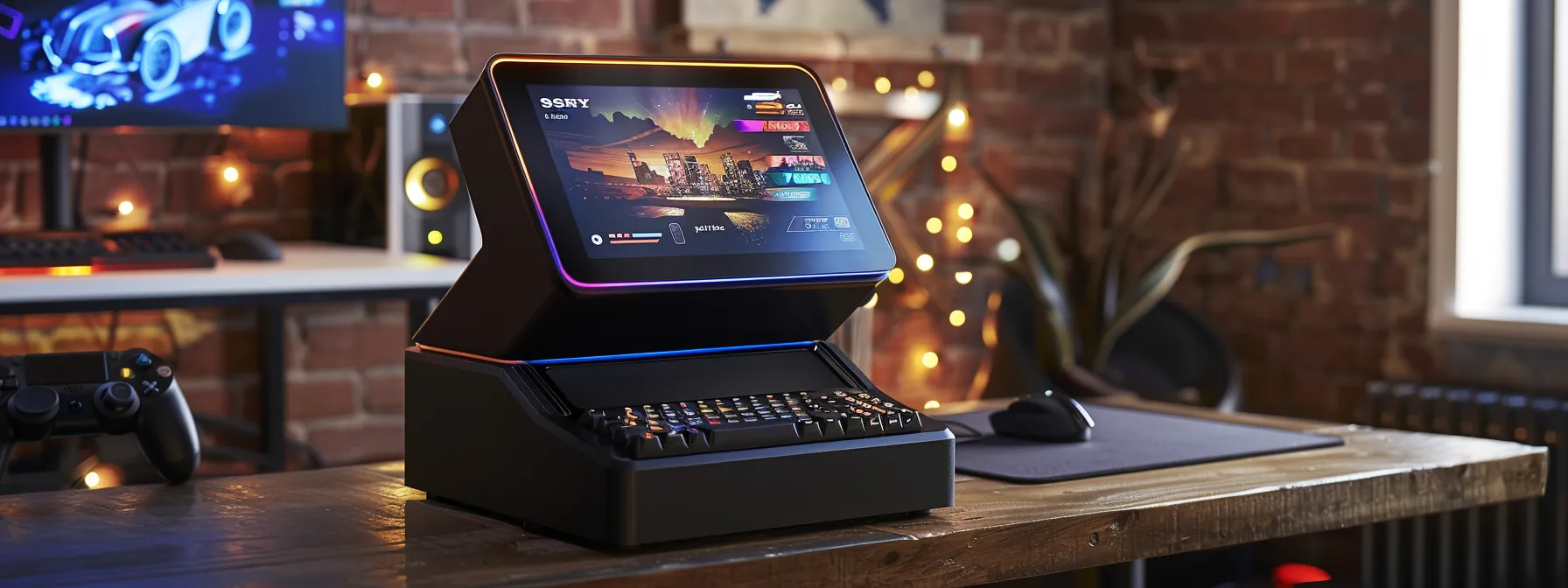
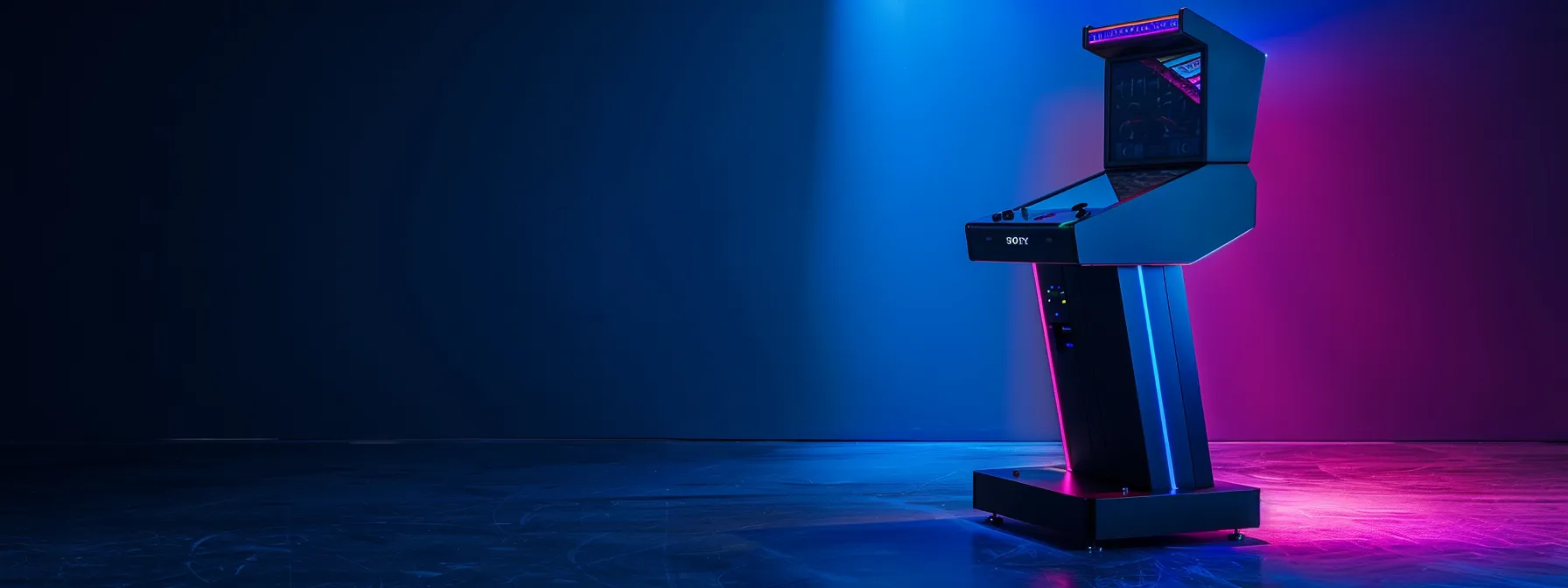
Arcade enthusiasts often overlook the importance of a well-chosen and maintained arcade pedestal, yet it’s the foundation of an immersive gaming experience. This article will guide you through selecting the perfect arcade pedestal, integrating components like a joystick, trackball, and Raspberry Pi, and connecting your setup via HDMI for a seamless play. We’ll also cover the essentials of setup and maintenance to ensure your arcade cabinet remains in top condition. If you’re grappling with the challenge of creating an authentic arcade experience at home, our step-by-step advice will help you build and sustain a gaming haven that rivals the arcades of yesteryear.
- Arcade pedestals enhance gaming by offering comfort and authentic play experiences
- Regular maintenance and updates ensure longevity and optimal performance of arcade pedestals
- Customizing controls and displays can significantly improve the personal gaming experience
- Professional repair services are valuable for complex technical issues with arcade setups
- Personalizing the pedestal's appearance creates a unique and engaging gaming space
Understand the Essentials of Arcade Pedestals
As an avid gamer and arcade enthusiast, I’ve come to appreciate the central role that arcade pedestals play in enhancing the gaming experience. In this section, we’ll explore the various types of arcade pedestals available, each designed to complement different gaming setups, whether you’re using a light gun, pinball machine, or a raspberry-based system. We’ll also review the key features to consider when selecting a pedestal, such as compatibility with gaming software and hardware durability. Understanding the benefits of a well-chosen arcade pedestal can transform your gaming area, and we’ll delve into the common uses for these pedestals, ensuring you make an informed decision for your gaming needs.
Learn About Different Types of Arcade Pedestals
In my experience, the selection of an arcade pedestal must be approached with an understanding of the control systems and the computer or console it will house. Some pedestals are pre-fitted with a variety of control interfaces, such as joysticks and buttons, tailored for classic arcade games, while others offer a blank canvas, allowing for customization with your own control setups. The latter can be particularly beneficial if you’re integrating a computer that requires a specific configuration or if you’re planning to use an sd card loaded with multiple games.
When I set up my gaming space, I prioritized finding a pedestal that not only matched my aesthetic preferences but also offered the durability to withstand intense gaming sessions. It’s crucial to select a pedestal that supports the weight and size of your gaming system, ensuring stability and safety. Moreover, for those who frequently update their gaming library, choosing a pedestal with easy access to the computer or sd card slot can save a lot of hassle, allowing for quick swaps and updates without the need to dismantle your setup.
Review Key Features to Consider
When I consider the key features of an arcade pedestal, ergonomics stand out as a top priority. A pedestal that promotes comfort during extended play is essential, so look for designs that offer adjustable height or tilt to prevent strain on your wrists and back. This consideration not only enhances your gaming experience but also contributes to your long-term well-being.
Another critical aspect is the pedestal’s connectivity options. I’ve found that a pedestal with a variety of ports, such as USB and HDMI, allows for seamless integration with multiple devices and displays. This versatility is particularly useful when hosting gaming events or when you wish to switch between different gaming platforms without the need for additional adapters or cables.
Recognize the Benefits of Using an Arcade Pedestal
Integrating an arcade pedestal into your gaming setup can significantly enhance your interaction with your favorite titles. The elevated positioning of controls on a pedestal mimics the authentic arcade experience, providing a comfortable and immersive environment for both casual play and competitive gaming. As someone who has spent countless hours in front of an arcade machine, I can attest to the improved ergonomics and reduced fatigue that come with using a well-designed pedestal.
Moreover, a dedicated arcade pedestal can serve as a central hub for your gaming electronics, streamlining the aesthetic of your space and keeping your gaming area organized. In my setup, the pedestal houses all the necessary wiring and connections, which not only simplifies maintenance but also minimizes clutter. This organization is not just about cleanliness; it also reduces the risk of damage to equipment, ensuring that your investment remains in top condition for years to come.
Identify Common Uses for Arcade Pedestals
As an owner of an arcade, I’ve observed that arcade pedestals serve as the foundation for a diverse range of gaming experiences. They’re not just for individual enjoyment; these pedestals often become the centerpiece of social gatherings, where friends and family compete in multiplayer games or share the nostalgia of classic titles. Their versatility also extends to commercial settings, where they’re used to attract patrons and create a dynamic gaming atmosphere in venues like bars and entertainment centers.
In my personal gaming space, the arcade pedestal is a multi-functional tool that supports both gaming and work. With the right setup, it can transition from a gaming station to a stand-up desk, allowing me to use the space efficiently. This adaptability is crucial for gamers who have limited room but want a dedicated area that reflects their passion for arcade-style gaming while accommodating other daily activities.
Select the Ideal Arcade Pedestal for Your Gaming Setup
Choosing the right arcade pedestal is a critical step in creating an optimal gaming setup. I’ll guide you through determining your space and size requirements to ensure a perfect fit. We’ll also look at selecting compatible controls and interfaces for a seamless gaming experience. The importance of material and build quality cannot be overstressed, as it contributes to the longevity of your investment. Additionally, we’ll compare prices and read reviews to make an informed decision, and I’ll emphasize the significance of purchasing from a reputable seller to guarantee quality and service.
Determine Your Space and Size Requirements
When I embarked on the journey to find the perfect arcade pedestal for my gaming setup, the first step was to assess the available space. It’s essential to measure the area where you plan to place the pedestal, ensuring there’s ample room for movement and comfortable play. I recommend leaving enough space around the pedestal to prevent any cramped feelings, which can detract from the gaming experience.
Considering the size of the pedestal is just as important as the space it will occupy. I chose a model that fit my gaming system without overwhelming the room. It’s crucial to find a balance between the pedestal’s dimensions and the scale of your space, allowing for a setup that feels integrated and purposeful, rather than an afterthought.
Choose Compatible Controls and Interfaces
Choosing the right controls and interfaces for your arcade pedestal is paramount to ensuring a seamless gaming experience. I’ve learned that compatibility is key; you’ll want to ensure that the control panel can connect effortlessly with your gaming system, whether it’s a classic console or a modern PC. Look for pedestals that offer plug-and-play functionality with a range of systems, as this will save you time and prevent frustration during setup:
Additionally, the quality of the controls themselves can make or break your gaming sessions. I opt for high-quality buttons and joysticks that can endure the rigors of intense gameplay. Responsive and durable controls not only enhance performance but also contribute to the authentic arcade feel that enthusiasts like myself crave.
Consider Material and Build Quality
In my quest for the perfect arcade pedestal, I’ve learned that the choice of materials and construction quality is not to be underestimated. A pedestal crafted from robust materials like steel or high-grade wood will endure the test of time and the vigor of daily use. I’ve seen too many gamers regret opting for cheaper, less durable options that quickly show wear or fail under stress, so investing in a well-built pedestal is a wise decision for long-term satisfaction.
From my experience, the finish and craftsmanship of an arcade pedestal also play a significant role in both its performance and its integration into your gaming space. A pedestal with a smooth, polished finish not only looks professional but is also easier to clean and maintain. I always recommend inspecting the build quality, ensuring that all components are securely fastened and that there are no sharp edges or poorly aligned parts that could detract from the gaming experience or pose a safety hazard.
Compare Prices and Read Reviews
Before I commit to a purchase, I always take the time to compare prices across different retailers for the best deal on arcade pedestals. It’s not just about finding the lowest price; it’s about ensuring value for money. I look for competitive pricing that aligns with the quality and features of the pedestal, considering warranties and after-sales support as part of the overall value proposition.
Reading reviews from other gamers has been instrumental in my decision-making process for selecting an arcade pedestal. These insights offer real-world perspectives on the durability and functionality of the product, often highlighting any potential issues or benefits that aren’t immediately apparent from the product description. Here’s a structured approach I follow when evaluating reviews and prices:
- Identify reputable sources for reviews and price comparisons.
- Assess the average price range for pedestals with the desired features.
- Read through customer feedback, focusing on long-term use and reliability.
- Consider the balance between cost and the inclusion of essential features.
- Make a decision based on a combination of price, reviews, and personal gaming needs.
Make Your Purchase From a Reputable Seller
Securing your arcade pedestal from a reputable seller is a step I cannot stress enough. It ensures you receive a product that meets industry standards and often comes with customer support and warranties that protect your investment. In my own purchasing experiences, I’ve found that established sellers are more likely to provide quality products and have a proven track record of positive customer service, which can be invaluable if you encounter any issues with your pedestal.
When I chose where to buy my arcade pedestal, I looked for sellers with transparent business practices and positive customer feedback. This approach not only gave me peace of mind but also guaranteed that I was investing in a pedestal that would stand the test of time. Here’s a quick reference to help you evaluate potential sellers:
Remember, a trustworthy seller not only provides a high-quality arcade pedestal but also enhances your overall buying experience, ensuring you can enjoy your gaming setup with confidence.
Set Up Your Arcade Pedestal Step by Step
Setting up your arcade pedestal is a straightforward process that, when done correctly, can greatly enhance your gaming experience. I’ll guide you through each critical step, from unpacking and inspecting your new arcade pedestal to connecting it with your gaming system. We’ll configure the software settings to ensure compatibility, test the controls for responsiveness, and finally, secure the pedestal in your gaming area for safety and stability. These steps are designed to ensure that your gaming setup is not only functional but also provides the best possible experience.
Unpack and Inspect Your Arcade Pedestal
Upon receiving your arcade pedestal, the initial step is to carefully unpack and inspect the unit for any signs of damage incurred during shipping. I always take a methodical approach, examining each component to ensure there are no defects or missing parts. This scrutiny is crucial as it affects not only the aesthetics of your gaming setup but also its functionality and safety. Promptly identifying any issues allows for immediate resolution with the seller, ensuring your gaming experience isn’t compromised.
After the visual inspection, I recommend verifying that all the necessary hardware and assembly tools are included, as per the manufacturer’s list. This step is often overlooked, but it’s essential for a smooth setup process. I’ve learned from experience that having everything on hand before beginning assembly prevents delays and frustration, setting the stage for a successful installation of your new arcade pedestal.
Connect the Pedestal to Your Gaming System
Connecting your arcade pedestal to your gaming system is a pivotal moment in the setup process. I ensure that all cables are properly organized and securely connected to their respective ports, which typically include HDMI for video, USB for controllers, and power supply. This not only guarantees a stable connection but also prevents potential damage from loose cables during intense gaming sessions.
Once the physical connections are established, I proceed to configure the system settings. This involves calibrating the controls and verifying that the software recognizes each input device correctly. It’s a step that can’t be rushed: proper configuration is essential for an optimal gaming experience. Here’s a checklist to follow:
- Check all cable connections for secure fitting.
- Power on the gaming system and pedestal to test connectivity.
- Access the system settings to configure control inputs.
- Perform a test run with a game to ensure responsiveness.
Configure the Software Settings
After ensuring the physical setup of my arcade pedestal is complete, I turn my attention to configuring the software settings. This step is critical to ensure that the gaming system and pedestal communicate effectively. I meticulously adjust the settings to match the specific requirements of my gaming setup, such as screen resolution and control mapping, to guarantee a seamless gaming experience.
During this phase, I also take the opportunity to update the system’s firmware and any game software that requires it. This not only improves performance but also enhances security, as updates often include patches for vulnerabilities. My focus is on creating a stable and reliable gaming environment that will provide countless hours of entertainment without technical interruptions.
Test the Controls and Functionality
After meticulously setting up the arcade pedestal, I proceed to rigorously test the controls and functionality. This crucial step ensures that every button press and joystick movement translates accurately into in-game action, providing the precision and responsiveness that gamers expect. It’s a moment of truth where I can confirm the quality of the equipment and the success of the installation.
During this testing phase, I pay close attention to the tactile feedback from the controls and the system’s response time. Any lag or unresponsiveness is addressed immediately, as these factors are vital for an immersive arcade experience. It’s through this detailed testing that I can assure gamers of a setup that not only looks the part but performs flawlessly under the pressure of intense gameplay.
Secure the Pedestal in Your Gaming Area
Securing the arcade pedestal in your gaming area is a step I take seriously to ensure safety and stability during gameplay. I make sure the pedestal is positioned on a level surface and, if necessary, anchored to the wall or floor to prevent any movement that could disrupt the gaming experience or cause equipment damage. This precaution is particularly important in environments where enthusiastic play is common, as it maintains the integrity of your gaming setup.
In my gaming space, I also consider the proximity of the pedestal to power outlets and the arrangement of cords to avoid tripping hazards. I use cable management solutions to keep wires neatly organized and out of the way, which not only enhances safety but also contributes to a clean and professional look. These small but crucial details ensure that the gaming area is both functional and inviting, allowing players to focus on the enjoyment of the game without distraction.
Maintain Your Arcade Pedestal for Optimal Performance
Maintaining your arcade pedestal is crucial for ensuring its longevity and optimal performance. Regular cleaning keeps the unit looking sharp and functioning well, while inspecting for wear and tear can prevent minor issues from becoming major problems. Staying current with software and firmware updates enhances functionality and security. Prompt replacement of worn components preserves the integrity of your gaming experience. Proper storage is also key when the pedestal is not in use. These practices are essential for any dedicated gamer looking to keep their arcade setup in prime condition.
Clean the Pedestal Regularly
Keeping your arcade pedestal clean is not just about aesthetics; it’s about preserving the functionality and responsiveness of your gaming equipment. I make it a habit to wipe down the surfaces and controls after each use, using a soft cloth and mild cleaner to remove dust and grime that can accumulate and interfere with the electronics. This simple routine helps maintain the tactile quality of the controls and ensures the longevity of the pedestal’s materials.
During my regular maintenance checks, I pay special attention to the areas around buttons and joysticks, as these are prone to collecting debris that can affect performance. I use compressed air to dislodge any particles from crevices, ensuring that every component of the pedestal remains in top working condition. This proactive approach to cleaning not only keeps the pedestal in pristine condition but also enhances the overall gaming experience for myself and my guests.
Inspect for Wear and Tear
Regular inspection for wear and tear on your arcade pedestal is a practice I cannot recommend highly enough. It’s essential to look for signs of damage, such as loose buttons or a wobbly joystick, which can significantly impact gameplay. Addressing these issues promptly not only preserves the arcade experience but also prevents further deterioration that could lead to costly repairs.
From my own routine, I’ve learned that certain areas are more susceptible to wear, such as the control panel and the area where the wrists rest. Here’s a checklist I follow to ensure every part of the pedestal is in top condition:
- Examine the control panel for responsiveness and signs of sticking.
- Check the surface for scratches or dents that could harbor dirt or affect the aesthetic.
- Inspect all connecting cables for fraying or loose connections.
By incorporating these inspections into your maintenance schedule, you can extend the life of your arcade pedestal and ensure it remains a reliable centerpiece in your gaming setup. This proactive approach not only saves time and resources in the long run but also guarantees a consistently high-quality gaming experience for you and your players.
Update Software and Firmware as Needed
Ensuring the software and firmware on your arcade pedestal are up to date is a task I prioritize to maintain optimal performance. These updates often contain enhancements that improve the functionality of your gaming system, addressing issues such as compatibility with new games or peripherals. As a dedicated gamer, I’ve found that keeping software current is not just about adding new features; it’s also about ensuring the stability and security of the gaming environment.
From my experience, the process of updating can be straightforward, but it’s essential to follow the manufacturer’s instructions to avoid any complications. Here’s a step-by-step guide to ensure a smooth update process:
- Back up your current settings and game data to prevent any loss during the update.
- Download the latest software and firmware versions from the manufacturer's official website.
- Follow the provided instructions to install the updates, typically involving a simple execution of the downloaded files.
- Restart your arcade pedestal to complete the installation and verify that the updates are functioning correctly.
By regularly checking for and installing these updates, you can rest assured that your arcade pedestal will continue to deliver a premium gaming experience. This proactive approach not only enhances gameplay but also contributes to the longevity of your equipment, ensuring you get the most out of your investment.
Replace Worn Components Promptly
Timely replacement of worn components on your arcade pedestal is essential to maintain a high-quality gaming experience. I’ve learned that worn buttons and joysticks not only detract from the tactile feedback crucial for arcade games but can also lead to missed inputs or unregistered commands during critical gameplay moments. By keeping spare parts on hand and replacing them as soon as wear is noticed, you ensure that every game session is as responsive and enjoyable as the first.
As an owner, I’ve established a routine check for component wear, which includes monitoring for signs of stickiness, unresponsiveness, or physical damage to the controls. Here’s a simple table I use to track the status of my arcade pedestal components and schedule replacements accordingly:
By adhering to this schedule, I can preemptively address issues before they escalate, ensuring my arcade pedestal remains a reliable and exciting centerpiece in my gaming space. This proactive approach not only saves time and money in the long run but also provides uninterrupted gaming pleasure for myself and my guests.
Store Properly When Not in Use
Proper storage of your arcade pedestal when it’s not in use is crucial for preserving its condition and ensuring it’s ready for your next gaming session. I make it a point to cover my pedestal with a protective cloth to shield it from dust and accidental spills, which can cause damage over time. It’s also wise to disconnect all cables and store them neatly to prevent any potential wear from bending or tangling, which could affect connectivity when you’re ready to play again.
In my experience, the location where you store your arcade pedestal can significantly impact its longevity. I always choose a cool, dry area away from direct sunlight to prevent any warping or fading of materials. Ensuring the storage space is free from humidity and extreme temperature fluctuations helps maintain the electronic components in optimal condition, avoiding costly repairs or replacements down the line.
Troubleshoot Common Arcade Pedestal Problems
Even with meticulous setup and maintenance, arcade pedestals can encounter technical difficulties. Identifying and resolving issues with unresponsive controls is a common challenge I face. Similarly, addressing display or connection problems, fixing sound malfunctions, and rectifying software glitches are all part of ensuring a seamless gaming experience. When these troubleshooting steps don’t suffice, seeking professional repair services may be necessary. In the following sections, I’ll share insights on effectively tackling these issues, drawing from my expertise to keep your arcade pedestal in prime condition.
Identify Issues With Controls Not Responding
When I encounter controls on an arcade pedestal that aren’t responding, my first step is to check the connections. Loose or damaged cables can often be the culprit, and ensuring that all connections are secure is a simple yet effective solution. If the issue persists, I examine the control interface for any signs of physical damage or wear that could be hindering responsiveness.
Should the initial checks not resolve the problem, I delve into the software settings. Incorrect configurations or outdated drivers can cause controls to become unresponsive, and a review of the system’s control panel may reveal the adjustments needed to restore functionality. Here’s a table that outlines my troubleshooting process for unresponsive controls:
By methodically following these steps, I can usually pinpoint and fix the issue without the need for professional repair services. This hands-on approach not only saves time and money but also deepens my understanding of the arcade pedestal’s operation, enhancing my ability to maintain and enjoy the gaming experience.
Resolve Display or Connection Problems
When I face display or connection problems with an arcade pedestal, my initial step is to verify the integrity of the video and power cables. A loose HDMI or VGA connection can often result in display issues, and ensuring these cables are properly seated can quickly resolve the problem. If the display remains unresponsive or distorted, I check the monitor’s settings and the video output configuration on the gaming system to ensure compatibility and correct resolution settings.
For more persistent connection issues, I systematically troubleshoot each component: starting with the monitor, followed by the cables, and then the gaming system’s video output ports. Here’s a structured approach to diagnosing and resolving these problems:
- Examine the monitor for power and input selection accuracy.
- Test cables for faults by using them with another device or replacing them temporarily.
- Inspect the gaming system's video output ports for damage or debris that could impede connectivity.
By addressing each potential source of the problem in turn, I can usually identify and correct the issue without the need for external assistance. This methodical process not only ensures the arcade pedestal’s display and connections are functioning optimally but also minimizes downtime, allowing gamers to return to their immersive experiences as swiftly as possible.
When sound malfunctions arise in an arcade pedestal, my initial action is to check the audio connections. Ensuring that speakers are properly plugged in and the volume is correctly adjusted can often rectify simple sound issues. If the problem persists, I delve into the audio settings of the gaming system to confirm that the output is configured to the correct device and that no mute functions have been inadvertently activated.
For more complex sound issues, I systematically test each audio component. This includes verifying the functionality of the speakers, the integrity of audio cables, and the sound card or onboard audio processor within the gaming system. Here’s a table that outlines my troubleshooting process for sound malfunctions:
By following these steps, I can often resolve sound issues without the need for professional repair services, ensuring the arcade pedestal continues to deliver an immersive auditory experience for all players.
Address Software Glitches
Addressing software glitches in arcade pedestals is a task I approach with diligence, as these can disrupt the gaming experience. I start by rebooting the system to clear temporary errors, a simple yet effective method that often resolves minor glitches. If the issue persists, I check for software updates, as developers frequently release patches to fix known problems: this ensures the system runs smoothly and is compatible with the latest games.
When software issues are more complex, I systematically review the game settings and configurations. I ensure that the game software is properly installed and that there are no conflicts with the arcade pedestal’s operating system. In cases where a specific game is problematic, I might reinstall it or consult online forums for solutions shared by other gamers. Here’s a table that outlines my approach to addressing software glitches:
By following these steps, I can effectively troubleshoot software glitches, ensuring that the arcade pedestal provides a reliable and enjoyable gaming experience. This proactive approach minimizes downtime and maximizes the fun for all players involved.
Seek Professional Repair Services if Needed
Despite my best efforts to maintain and troubleshoot my arcade pedestal, there are times when the complexity of an issue surpasses my expertise. In such instances, I turn to professional repair services. These experts possess the specialized knowledge and tools required to diagnose and fix intricate problems, ensuring that my arcade setup continues to operate at peak performance. Their intervention is not only a time-saver but also a means to prevent further damage that could arise from well-intentioned but misguided DIY repairs.
When selecting a professional service, I prioritize those with a strong reputation and a track record of success in repairing arcade equipment. I’ve learned that clear communication about the issue, along with a detailed service quote, can mitigate unexpected costs and ensure transparency. Trusting my arcade pedestal to a qualified technician gives me confidence that any repairs will be thorough and lasting, safeguarding my investment and the enjoyment it brings to my gaming experiences.
Upgrade Your Arcade Pedestal for an Improved Gaming Experience
Enhancing your arcade pedestal can significantly elevate your gaming experience. I’ll guide you through adding new games and implementing software updates to keep your system fresh and engaging. We’ll also discuss installing custom controllers or joysticks for a tailored feel, upgrading to superior displays for sharper visuals, and integrating quality speakers for immersive sound. Lastly, personalizing your pedestal’s appearance adds a unique touch to your gaming space. Each of these upgrades is a step towards a more enjoyable and customized gaming setup.
Add New Games and Software Updates
Introducing new games to my arcade pedestal is a thrilling way to keep the gaming experience fresh and engaging. I make it a point to regularly search for and install the latest games that resonate with my preferences and those of my fellow gamers. This not only revitalizes the arcade atmosphere but also ensures that there’s always something new to look forward to during gaming sessions.
Equally important is staying on top of software updates for the arcade pedestal. I’ve found that these updates can significantly enhance system performance and compatibility with new games. By dedicating time to download and install the latest software versions, I ensure that my gaming setup remains current, secure, and ready to deliver the best possible experience to all who use it.
Install Custom Controllers or Joysticks
Integrating custom controllers or joysticks into my arcade pedestal was a game-changer, offering a personalized touch that significantly improved my gaming experience. By selecting high-quality components that matched my specific gaming style, I ensured a more responsive and immersive interaction with my favorite games. This customization not only enhanced my performance but also increased the overall enjoyment and satisfaction with my arcade setup.
For those considering this upgrade, here’s a practical guide to follow: first, identify the types of games you play most frequently and select controllers or joysticks that are optimized for those genres. Then, ensure compatibility with your arcade pedestal’s system, and finally, install the new components with precision to avoid any potential damage to the electronics:
- Determine the best controller or joystick for your preferred game types.
- Check compatibility with your arcade pedestal's interface and connections.
- Install the new components carefully, following the manufacturer's guidelines.
Improve Visuals With Better Displays
Upgrading the display on my arcade pedestal was a transformative decision that significantly enhanced the visual quality of games. By selecting a high-resolution monitor with vibrant color reproduction, I ensured that every pixel of the gaming action was rendered with clarity and depth. This upgrade not only made the visuals more engaging but also reduced eye strain during prolonged gaming sessions, a crucial factor for both my comfort and gaming performance.
When I chose a new display, I considered factors such as response time and viewing angle to ensure the screen would keep up with the fast-paced action without any ghosting or color distortion. Here’s a table that helped me compare different displays and make an informed choice based on my specific gaming needs:
With the right display, the visual experience of my arcade games became more immersive, making every session more enjoyable and visually stunning. This upgrade was a worthwhile investment that paid dividends in the quality of my gaming experiences.
Improve Sound With Quality Speakers
Enhancing the audio quality of my arcade pedestal with superior speakers was a pivotal upgrade that transformed the gaming atmosphere. High-fidelity speakers deliver crisp, clear sound, allowing every soundtrack and effect to envelop the player, creating a truly immersive arcade experience. This auditory improvement is not just about volume; it’s about the depth and richness of sound that draws players into the game world.
When I selected speakers for my arcade pedestal, I focused on sound quality and compatibility with the existing system. Here’s a list of considerations that guided my choice:
- Speaker power output for robust sound without distortion.
- Frequency range to capture the full spectrum of game audio.
- Size and design that complement the pedestal's aesthetics.
These factors ensured that the speakers not only enhanced the gaming experience but also integrated seamlessly with my setup.
Personalize the Pedestal’s Appearance
Personalizing the appearance of your arcade pedestal is a creative way to reflect your unique style and enhance the visual appeal of your gaming space. I’ve found that applying custom graphics or decals can instantly transform a standard pedestal into a vibrant centerpiece that stands out. This customization not only adds a personal touch but also elevates the overall aesthetic, making the gaming experience more enjoyable for players and onlookers alike.
When I decided to personalize my arcade pedestal, I focused on themes that resonated with my favorite games and the nostalgia they evoke: here’s a list of steps I took to ensure a successful customization:
- Selected high-quality, durable materials for the graphics to withstand frequent use.
- Chose a design that complements the existing color scheme and layout of my gaming area.
- Enlisted the help of a professional for precise application, ensuring a sleek and polished finish.
These considerations were key in achieving a personalized look that not only impressed my gaming community but also added a sense of pride to my arcade setup.
Frequently Asked Questions
What are the key features of an arcade pedestal?
Arcade pedestals boast a robust build, customizable controls, ample space for movement, and a diverse game library, offering an immersive gaming experience.
How do I choose the right arcade pedestal for my space?
Selecting the right arcade pedestal hinges on available space, game type preferences, and desired features like multiplayer controls or screen size.
Can you guide me through installing an arcade pedestal?
Certainly, installing an arcade pedestal involves securing the base, connecting the system to the monitor, and ensuring all wiring is safely tucked away for a seamless gaming experience.
What routine maintenance does an arcade pedestal require?
Arcade pedestal maintenance involves regular cleaning, checking joystick functionality, button responsiveness, and software updates to ensure optimal gaming performance.
How do I fix common issues with arcade pedestals?
To fix common arcade pedestal issues, check for loose connections, clean button contacts, and recalibrate joysticks to ensure optimal gameplay performance.
Selecting the right arcade pedestal is crucial for an optimal gaming experience, as it affects comfort, functionality, and the overall aesthetic of your gaming space. Proper setup and regular maintenance ensure longevity and peak performance, safeguarding your investment in your gaming equipment. Upgrades like adding new games, enhancing visuals and audio, and personalizing the pedestal can significantly elevate the gaming atmosphere. Ultimately, a well-chosen, maintained, and upgraded arcade pedestal becomes the cornerstone of an immersive and enjoyable gaming environment.